How to Back Up iPhone Photos to an External Drive
A practical step-by-step guide to back up iPhone photos to an external drive so you keep a copy you control before you clean up or replace your device.
Read the free guide →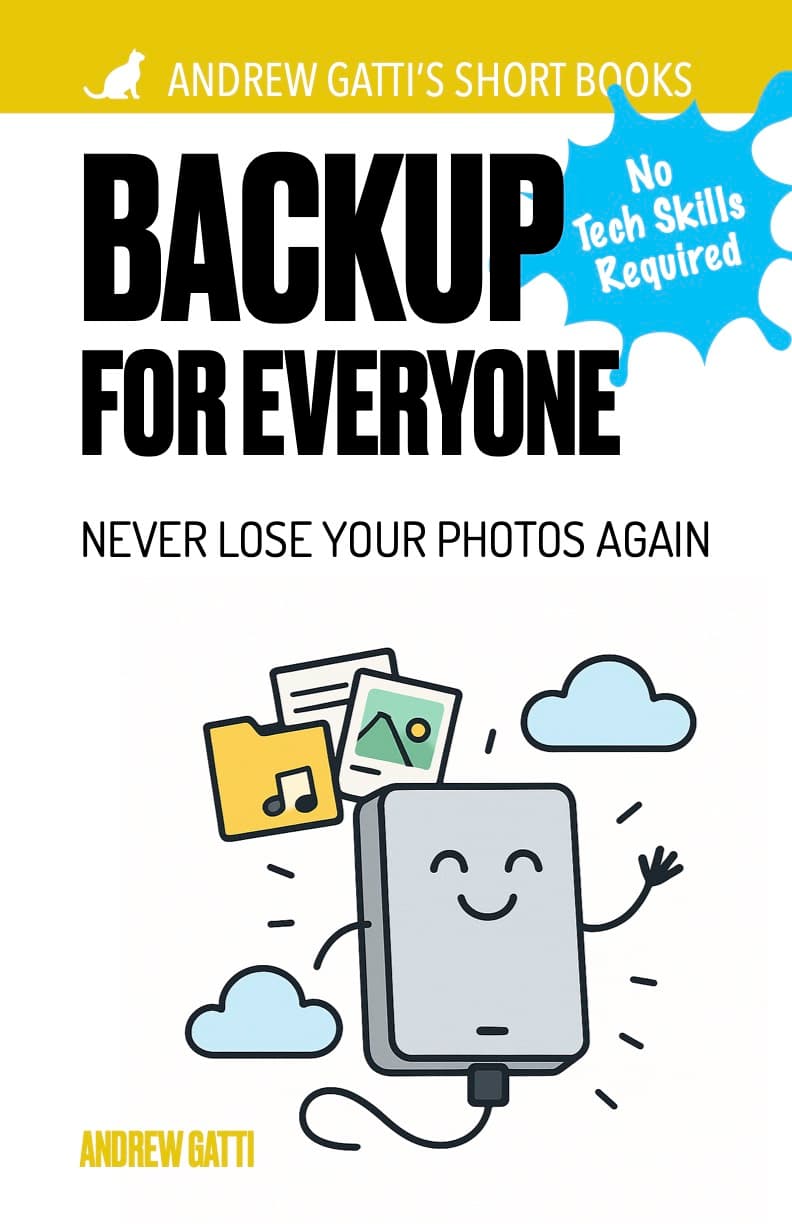 Digital Life & Security
Buy the guide on Gumroad and start applying the method today.
Buy now on GumroadTracked link placement: sidebar
Want to back up photos before you lose them? This practical guide shows non-technical users how to protect memories with simple cloud and offline backup.
The problem this book solves
You are keeping years of family photos on a single phone and you know one accident could wipe them out.
What you will be able to do
You will set up a backup routine with cloud and offline copies so your photos stay protected even if one device fails.
Free checklist
A simple backup sequence for people who want to clean devices without losing family photos or videos.
Open the free checklistAndrew Gatti's Short Books – Vol. 2
A phone can be lost, stolen, or broken in seconds — and years of photos gone with it. Backup for Everyone is a short, practical guide that walks you through setting up reliable photo backup, step by step. No jargon, no complicated tech — just simple instructions that work for iPhone, Android, Windows, and Mac.
Configure Google Photos, iCloud, or OneDrive to back up your photos automatically — in minutes.
Learn how to copy your photos to an external hard drive or USB drive, without relying on any subscription.
Step-by-step instructions for every major platform: iPhone, Android, Windows, and Mac.
A simple monthly habit to make sure your memories are always protected going forward.
Most people never check — learn how to confirm your backup is complete and recoverable.
Chapter 1: Why Your Phone Is Not a Safe Place (5 minutes) Understand the real risks before it's too late
Chapter 2: Cloud Backup Made Simple (10 minutes) Set up automatic backup with the service that fits you best
Chapter 3: Backup from Your Computer (10 minutes) How to copy and organize photos on Windows and Mac
Chapter 4: Physical Backup (10 minutes) Create an offline copy you own completely
Chapter 5: Your Ongoing Backup Routine (5 minutes) The simple habit that keeps your memories safe forever
Don't wait for the worst to happen. Set up your backup today — and never worry about losing your photos again.
Available in PDF & EPUB formats. Buy once, read on any device.
Free reading before you buy
Start with the most relevant free article, then come back to the full book for the complete method.
A practical step-by-step guide to back up iPhone photos to an external drive so you keep a copy you control before you clean up or replace your device.
Read the free guide →A practical backup workflow for people who want to clean their phone or computer without risking family photos, videos, or old memories.
Read the free guide →The book walks through a simple setup that starts with automatic cloud backup and then adds an offline copy you control, without assuming technical experience.
For most people, yes. The guide explains why two different backup types reduce the risk of losing photos through account issues, device damage, or accidental deletion.
Most readers can set up the core backup system in less than an hour using the step-by-step instructions.
Buy the book, follow the steps in order, and use the guide as your repeatable checklist.